
Image Compressor (Client-side)
Compress images in-browser — no upload. Supports JPEG, WebP and PNG. Add images, set quality/resize, compress and download.
Add Your HAI Image Compressor – Reduce Image Size Easily & Safelyeading Text Here
Tool Description
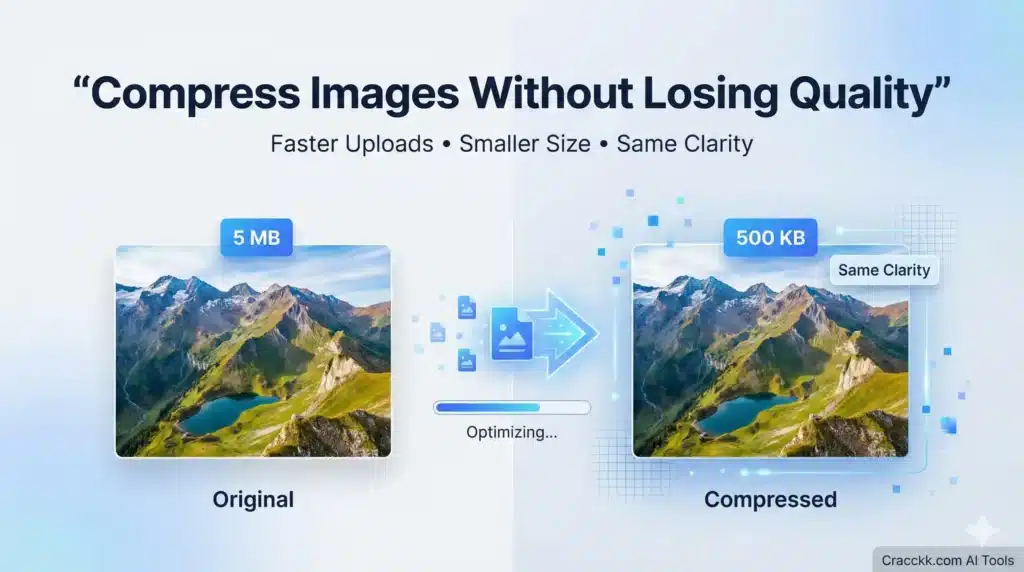
I created AI Image Compressor to help users to reduce the file size for uploading on low size place without loosing visual quality in 2 second. I noticed most of the students , blogger are struggle with large image files and due to large image file the site may be slow down or fail to upload and getting error. This tool can solve the problem in simple and educational way.
The manual resizing is very long process then Instead of manually resizing or using complicated software, this AI Image Compressor helps everyone to understand how image optimization works and saving lot of time. The focus here is not shortcuts, but learning and productivity.
This tool is designed for ethical, legal, and educational use only.
How This AI Image Compressor Works
This AI Image compressor use AI to analyze your image and Reduce according to your requirement while keeping the image quality balanced.
In simple terms:
- You upload an image
- Select Size in percentage, select extension
- AI studies the image data
- Unnecessary data is reduced
- The optimized image is generated
This helps beginners understand how AI can be used for real-world tasks like website optimization.
How to Use the AI Image Compressor (Step-by-Step)
- Upload the image you want to compress
- Select the compression level (if available)
- Click on “Compress Image”
- Preview the optimized result
- Download the compressed image
I recommend checking image quality after compression before using it on websites or projects.
Why I Built This Tool
When I started working on websites and blogs, then I noticed large image sizes is one of the biggest reasons for slow page speed. That’s why I Created this tools to make image optimization easier for beginners who don’t want to deal with complex software.
AI should simplify tasks — and this tool does exactly that.
Privacy & Legal Note
This AI Image Compressor is provided only for educational and productivity purposes.
- Images are not stored permanently
- User data is not shared or sold
- The tool does not support illegal or unethical use
- cracckk.com does not promote pirated or cracked software
Always use compressed images responsibly.
Frequently Asked Questions (FAQs)
Is this AI Image Compressor free to use?
Yes, the tool is free for educational and learning purposes.
Are my images stored?
No. Images are processed temporarily and are not saved permanently.
Is it safe to compress images using AI?
Yes. When used responsibly, AI image compression is safe and effective.
Helpful Learning Resources
- 👉 What Is Artificial Intelligence? A Beginner-Friendly Guide
- 👉 Crack the Future of AI: What It Really Means