
How to Use Claude Code to Automate Development Workflows in 2026 — The Complete Guide
Introduction
Let’s be honest about something.
Most developers, engineering leads, and startup founders in India know their team is spending too much time on repetitive engineering work. They know it matters that features ship faster. They know their competitors are shipping weekly, not quarterly.
And yet — the backlog keeps growing. Not because the team doesn’t care. Because software engineering involves an enormous amount of repetitive, mechanical work that eats the hours meant for building: writing boilerplate, tracing a bug through five files, writing tests for code someone else wrote last year, fixing the same category of lint error across forty files, resolving a merge conflict at 11 p.m., writing release notes nobody enjoys writing.
It is a maintenance job pretending to be a side task.
This is where Claude Code changes things.
Claude Code is Anthropic’s agentic coding tool. Unlike a chat window you paste code into, Claude Code reads your actual codebase, runs commands, edits files directly, and can open commits — from your terminal, your IDE, a desktop app, or the browser. It understands the shape of a real project, not just the snippet in front of it.
In 2026, Claude Code is not just autocomplete with better manners. It is a teammate that can take a plain-English instruction and turn it into a working, tested change — and this guide will show you exactly how to use it.
Whether you’re a solo developer in Bengaluru shipping a side project, a startup engineering team in Hyderabad trying to move faster with a small headcount, or a platform team in Pune maintaining a codebase nobody fully remembers building, this guide walks you through how Claude Code works, what it can automate, where it runs, and exactly what to type to get results.
Let’s start from the beginning.
What Is Claude Code and How Does It Work?
Claude Code is an agentic coding tool built by Anthropic. “Agentic” is the important word: instead of just suggesting a snippet for you to copy and paste, it can read your files, run your build and test commands, make edits across multiple files, and report back on what it did.
You talk to Claude Code the way you’d talk to a capable teammate sitting next to you. You describe what you need. It reads the relevant parts of your codebase, makes a plan, and starts working — editing files, running commands, checking its own output. You review the diff, ask for changes, and it adjusts.
Here is a simple way to understand how it works in practice:
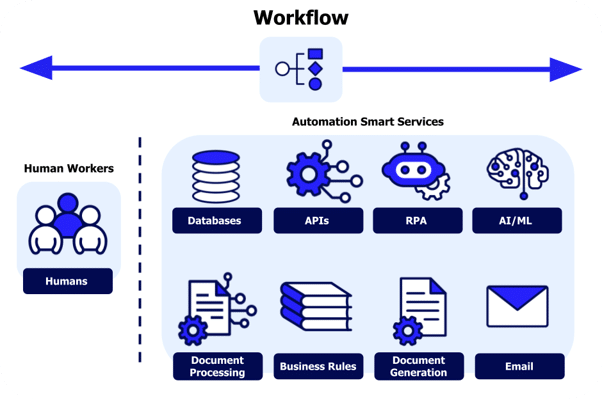
You describe the task → Claude Code reads your codebase → it plans and makes changes → you review the diff → you commit.
That is the entire workflow. There is no separate build system to learn beyond installing the CLI, and no need to manually paste files back and forth. If you can describe a bug the way you’d describe it to a colleague, you can use Claude Code.
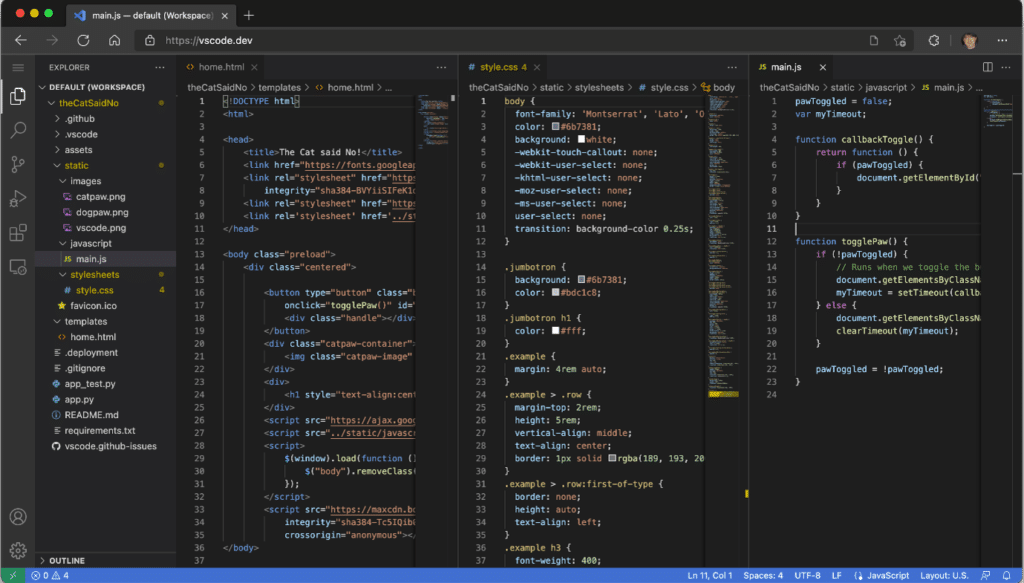
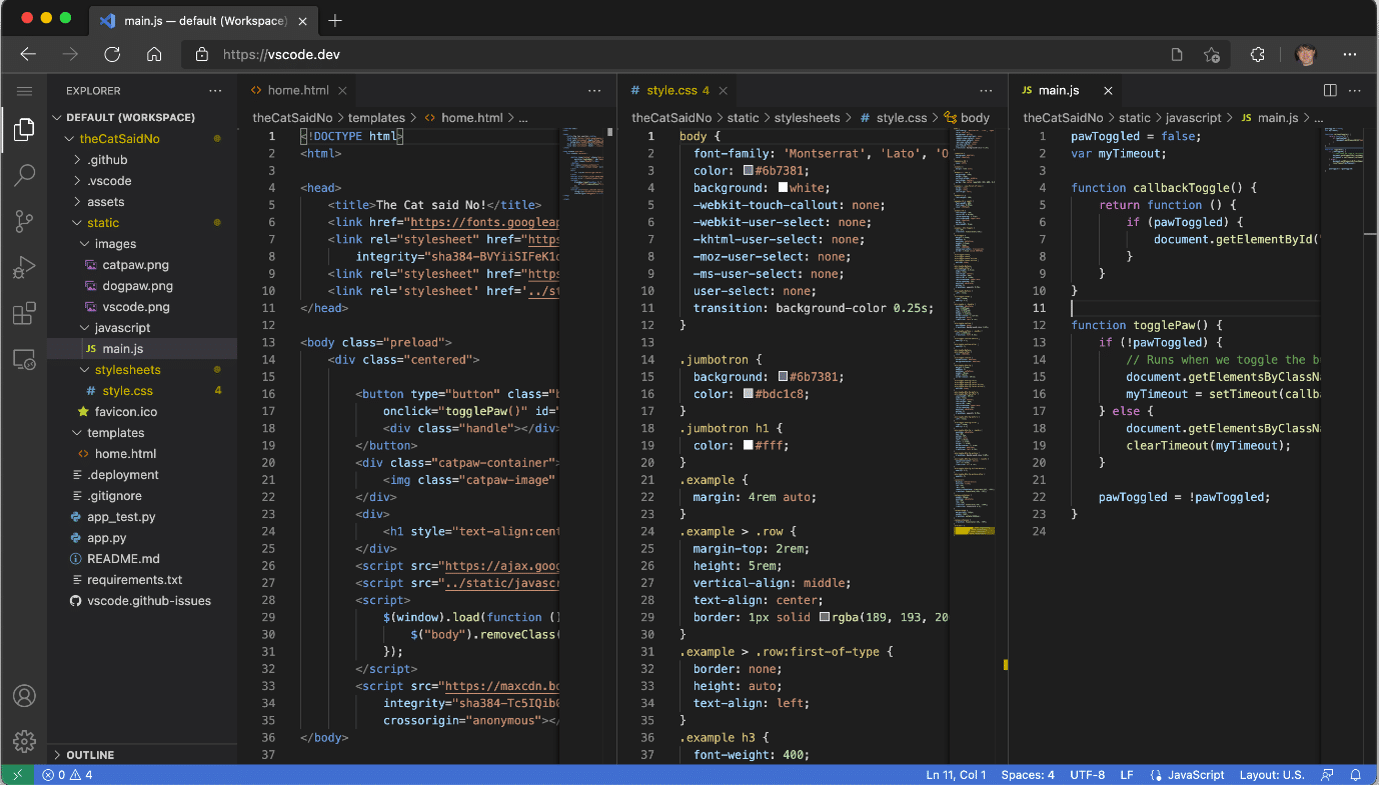
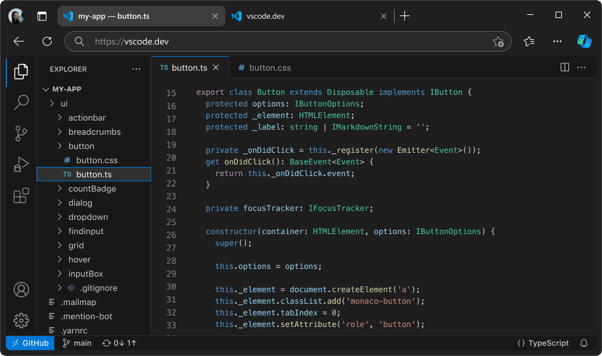
Claude Code runs on several surfaces: the terminal, IDE extensions (VS Code and JetBrains), a desktop app, and the web — so it fits into however your team already works, rather than asking everyone to change tools.
Three things make it different from just pasting code into a chat window:
It has real project context. Claude Code reads your actual files and directory structure rather than working from a snippet you copied in. A CLAUDE.md file in your repo lets you record project conventions, commands, and architecture notes that it reads automatically every session.
It can take action, not just suggest. It edits files, runs your test suite, executes shell commands, and can prepare a git commit — all with permission boundaries you control, so it never runs wild in your repository.
It scales beyond one file. You can ask it to trace a bug across a service boundary, update a pattern across dozens of files, or run a multi-step refactor — and it keeps track of what it has already done as it works.
Claude Code is included with Claude subscription plans, and the underlying models are also available pay-as-you-go through the Anthropic API for teams that want to build it into their own tooling.
How Does Claude Code Actually Automate Development Work?
“Automate” does not mean Claude Code is merging pull requests into production while you sleep — you stay in control of what gets committed and shipped.
Claude Code automates the repetitive, time-consuming engineering work that consumes most of a developer’s week. Specifically:
- Feature implementation — turning a plain-English spec into working code across the relevant files
- Bug fixing — tracing an error from a stack trace or description back to its root cause and patching it
- Code review — reading a diff and flagging issues, risks, and missed edge cases before a human review
- Refactoring — restructuring code, renaming patterns, or migrating an API surface across a whole project
- Test writing — generating unit and integration tests for code that currently has none
- Dependency and lint cleanup — fixing lint errors and updating outdated packages across many files at once
- Documentation — writing or updating README files, code comments, and release notes from the actual diff
- Codebase Q&A — answering “how does this work” and “where is this handled” questions for a new teammate
The time saving is significant. Teams that previously spent 8–12 hours a week on this kind of maintenance work report getting the same output in 2–3 hours using Claude Code — because they’re reviewing and adjusting a working diff instead of writing everything from a blank file.
Who Is Claude Code Made For?
Claude Code is not just for large engineering organisations. In 2026, it’s practical for a much wider range of people. Here’s who gets the most out of it:
Solo developers — The indie developer in Bengaluru shipping a side project after hours who doesn’t have a team to split maintenance work with. Claude Code becomes the second pair of hands.
Startup engineering teams — The five-person engineering team in Hyderabad that needs to ship fast without hiring faster. Claude Code lets a small team cover more ground without cutting corners on tests or review.
Platform and DevOps teams — Engineers in Pune maintaining shared infrastructure who need to trace an incident, update a config pattern across dozens of services, or clean up lint and dependency drift. Claude Code handles the repetitive sweep.
QA and test engineers — Teams that inherited a codebase with thin test coverage and need to build it up without stopping feature work. Claude Code writes the tests; the team reviews and tunes them.
Open-source maintainers — Maintainers triaging issues and reviewing contributor pull requests in their spare time. Claude Code helps them reproduce bugs and review incoming diffs faster.
Engineering managers — Leads who need a faster way to understand an unfamiliar part of the codebase before planning work, without pulling a senior engineer away from their own tasks.
If you write, review, or maintain code for any project — Claude Code has something to offer you.
Top Development Tasks Claude Code Automates
Writing New Features
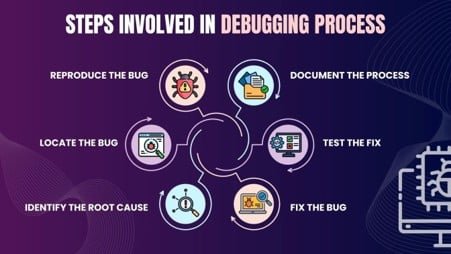
A feature request usually touches more than one file: a route, a data model, a UI component, maybe a migration. Claude Code reads the surrounding code first, so the feature it writes matches your existing patterns instead of introducing a new one.
For a new feature, describe the behaviour you want, point to the relevant part of the codebase, and mention any constraints (framework, existing patterns, edge cases to handle).
Example prompt: “Add a rate limiter to the /api/orders endpoint. Reuse the Redis client we already use in the auth service. Return a 429 with a Retry-After header when the limit is hit.”
Claude Code will locate the relevant files, write the implementation, and typically run the existing test suite to confirm nothing broke — all before you’ve finished your coffee.
Debugging and Fixing Bugs
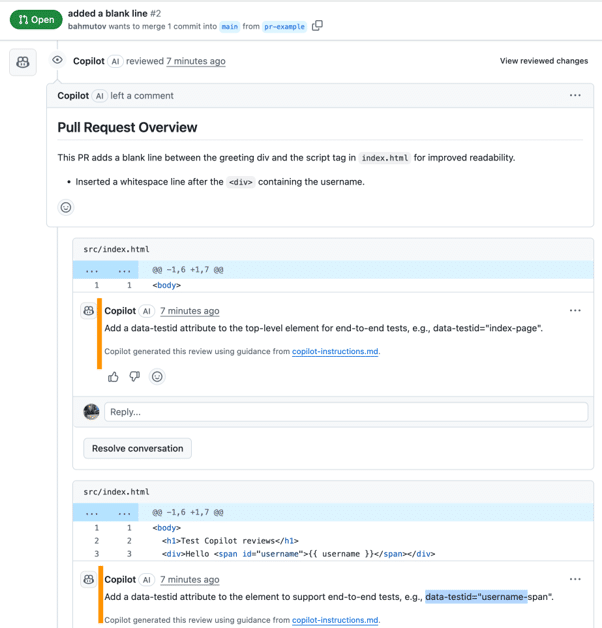
Bug reports rarely point straight at the cause. Claude Code can take a stack trace, an error message, or just a description of the wrong behaviour, and trace it back through the codebase to the actual source.
Example prompt: “Users are getting a null pointer on checkout when they apply a coupon after removing an item from the cart. Find the cause and fix it, and add a test that would have caught this.”
Because it can run your test suite and reproduce the issue rather than guessing, the fix it proposes is one you can verify immediately, not just trust blindly.
Code Review
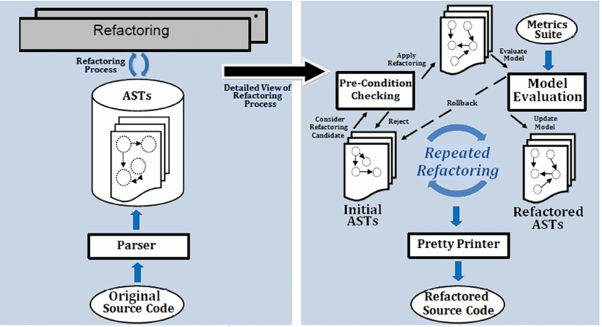
Before a human reviewer looks at a pull request, Claude Code can do a first pass — flagging logic errors, missed edge cases, inconsistent naming, or security concerns.
Example prompt: “Review this pull request for correctness, missed edge cases, and anything that doesn’t match our existing error-handling pattern.”
This doesn’t replace human review — it means the human reviewer’s time goes to judgment calls and architecture decisions instead of catching a missing null check.
Refactoring and Large Migrations
Renaming a pattern across forty files, migrating from one library’s API to another, or restructuring a module is exactly the kind of mechanical-but-error-prone work that benefits from a tool that can see the whole codebase at once.
Example prompt: “Migrate all usages of the old formatCurrency utility to the new Money class across the codebase, and update the tests that reference the old function.”
Claude Code works through the affected files methodically and reports back on what it changed, so you can review the full diff rather than trusting a find-and-replace.
Tests, Docs, and Release Notes
Writing tests for code someone else wrote — or code you wrote six months ago — is exactly the task most likely to get skipped under deadline pressure. So is updating documentation and writing release notes.
Example prompt: “Write unit tests for the src/billing module covering the untested branches, and update the README’s billing section to match the current API.”
Claude Code can generate the tests, run them to confirm they pass, and draft documentation directly from the current state of the code — so it stays accurate instead of drifting from what the code actually does.
Manual vs Automated Development Work — The Real Difference
Choosing where to lean on Claude Code depends on the kind of work your week is actually made of — feature work, maintenance, or both.
| Task | Manual (Without Claude Code) | Automated (With Claude Code) |
|---|---|---|
| Writing a new feature end-to-end | 3–6 hours | 45–90 minutes review and edit |
| Fixing a reported bug | 1–3 hours of tracing | 10–20 minutes with a clear repro |
| Reviewing a pull request | 20–40 minutes | 5–10 minutes plus your own pass |
| Writing unit tests for existing code | 2–4 hours | 20–30 minutes |
| Fixing lint errors across a project | 1–2 hours | 5 minutes |
| Resolving merge conflicts | 30–60 minutes | 5–15 minutes |
| Upgrading a dependency across a codebase | Half a day | 30–60 minutes |
| Writing release notes | 30–45 minutes | 5 minutes |
| Onboarding to an unfamiliar codebase | 1–2 days reading code | 1–2 hours of guided Q&A |
| Total weekly maintenance overhead | 8–12 hours | 2–3 hours |
The numbers above are consistent with what engineering teams report after adopting Claude Code into their workflow. The time saving is real. More importantly, the coverage improves — tests and documentation get written because it’s no longer painful enough to skip.
Step-by-Step: How to Start Using Claude Code Today
Getting started is genuinely simple. Here is the exact process:
Step 1 — Install Claude Code. It runs from the terminal, as an IDE extension for VS Code or JetBrains, as a desktop app, or in the browser. Pick the surface that matches how your team already works.
Step 2 — Open it inside your project. Run it from your project’s root directory (or open it from your IDE) so it can read your file structure and existing code from the start.
Step 3 — Add a CLAUDE.md file. Note your project’s conventions, common commands (build, test, lint), and any architecture decisions it should know about. Claude Code reads this automatically every session, so you don’t have to repeat yourself.
Step 4 — Start with a small, well-scoped task. Ask it to fix a specific bug or write tests for one module before handing it something large. This lets you calibrate how it works with your codebase.
Step 5 — Review every diff. Claude Code shows you what it changed before you commit. Read it the way you’d read a teammate’s pull request — asking for changes is a normal part of the loop, not a failure.
Step 6 — Build up your CLAUDE.md and, later, skills. As you notice yourself repeating the same instructions, add them to CLAUDE.md or a project skill so future sessions pick them up automatically.
Best Practices for Getting the Best Out of Claude Code
Be specific about the task and the constraints. “Fix the bug” produces a guess. “Fix the null pointer on checkout when a coupon is applied after cart removal, and add a regression test” produces something you can merge.
Always review the diff yourself. Claude Code gets you most of the way there. The remaining review is you catching the one architectural judgment call that needs a human — the part that makes the change actually fit your codebase.
Keep CLAUDE.md current. Save the conventions, commands, and gotchas that Claude Code needs to know about your project. Over time, this becomes the onboarding document your next new hire reads too.
Start small, then hand over bigger tasks. Once you trust how it handles a single bug fix or a single test file, larger tasks like a multi-file refactor become a natural next step rather than a leap of faith.
Use it to understand code, not just write it. Before touching an unfamiliar part of the codebase, ask Claude Code to explain how it works. A clear explanation of the existing code is often what makes the fix obvious.
Frequently Asked Questions
Q: Is Claude Code free to use?
Claude Code is included with Claude subscription plans (Pro and Max), and the underlying models are also available pay-as-you-go through the Anthropic API for teams building their own tooling on top of it.
Q: Does Claude Code work with my existing IDE?
Yes. Claude Code runs in the terminal, as an extension for VS Code and JetBrains IDEs, as a desktop app, and in the browser — so it fits into your existing setup rather than requiring you to switch editors.
Q: Can Claude Code actually run my tests and commit code, or does it just suggest changes?
It can do both. Claude Code can read files, run terminal commands like your test suite, edit code directly, and prepare git commits — with permission settings you control, so it asks before taking actions you haven’t approved.
Q: Is Claude Code safe to use on a large, unfamiliar codebase?
Yes, that’s one of its strengths — it reads the codebase before acting, and permission modes, checkpoints, and sandboxing give you control over what it’s allowed to do. Starting with a small, well-scoped task is still the best way to build confidence with any new codebase.
Q: Can Claude Code work across multiple files and services?
Yes. It can trace an issue across file and service boundaries and make coordinated changes across many files in one task, which is what makes it useful for refactors and migrations, not just single-file fixes.
Q: How is Claude Code different from autocomplete-style AI coding tools?
Autocomplete tools suggest the next few lines as you type. Claude Code is agentic — you give it a task, and it independently reads your codebase, plans the change, edits multiple files, runs commands, and reports back, rather than just completing the line you’re on.
The Bottom Line
Shipping reliably is what builds trust with users and keeps a team moving. But reliability requires time for the unglamorous work — tests, reviews, refactors, docs — and time is exactly what most engineering teams don’t have.
Claude Code solves this problem directly. It handles the repetitive, mechanical work. You make the final call on every diff. Your team spends 2–3 hours a week on maintenance instead of 8–12. The output is tested, documented, and actually mergeable.
The tool, the workflow, and the results are all accessible right now.
Your action plan starting today:
✅ Install Claude Code on the surface that fits your workflow — terminal, IDE, desktop, or browser.
✅ Add a CLAUDE.md file describing your project’s conventions and commands.
✅ Hand it one well-scoped bug fix or test-writing task, and review the diff carefully.
✅ Build up your CLAUDE.md as you notice yourself repeating instructions.
✅ Expand to larger tasks — refactors, migrations, reviews — as your confidence grows.
✅ Come back to crackkk.com for more guides on building with AI.
You don’t need to hire your way out of a growing backlog. You need Claude Code and a well-scoped first task.
Which task are you going to hand off first — a bug fix, a test suite, or a refactor? Tell us in the comments below. 👇
Published by Crackkk
Helping developers, startups, and engineering teams grow with practical AI guides, tool reviews, and actionable engineering insights.
Explore more AI tools, developer resources, and technology guides at
crackkk.com.